
Taysir in Your Language: A Complete Guide to Switching Languages
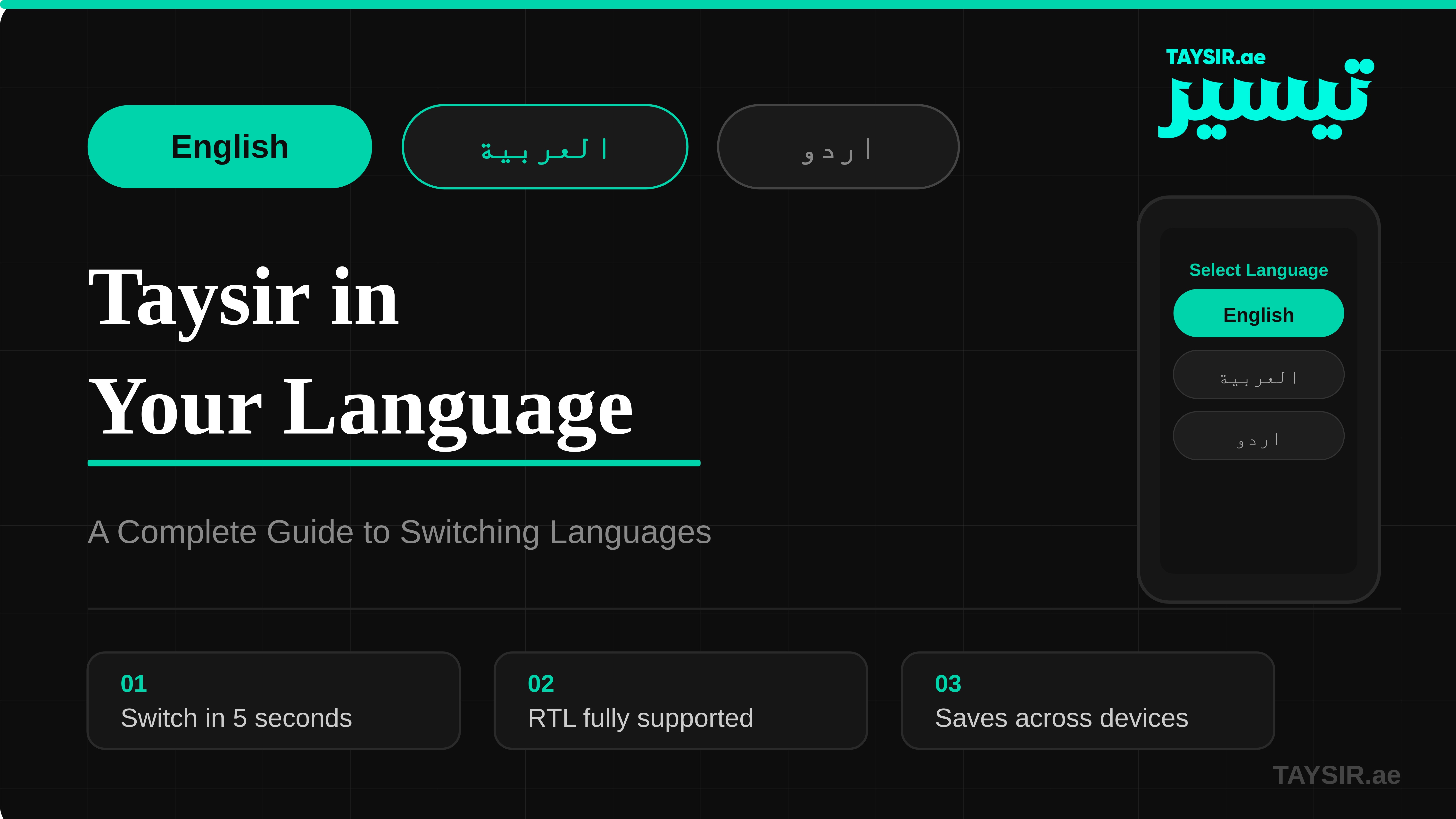
Taysir supports multiple languages including Arabic, English, Urdu, and French. Learn how to switch your language in just a few steps and get a fully native experience across every device.
Taysir is built for everyone, and that includes speakers of every language. Whether you prefer Arabic, English, Urdu, switching your experience to feel native is simpler than you think.
Language shapes how we think and communicate. Taysir understands this. From its interface to its AI responses, the platform is designed to meet you in your own tongue.
1. How to Switch Your Language in Taysir
Changing your language in Taysir takes under a minute.
- Open App → Language Icon →Click, then choose your language from the dropdown. Changes apply instantly across the entire interface.
- Open App → Prefrences → Language, then choose your language from the dropdown. Changes apply instantly across the entire interface.
- For AI responses in your language, simply type your prompts in that language and Taysir will automatically reply in kind no extra setup needed.
Ready to experience Taysir in your own language? Download the app now and get started in seconds, no setup hassle, no language barriers, just a smarter way to work in the language you love.