
See Taysir in Action
Watch demo videos and explore screenshots to understand the experience.
As a Customer
As a Tasker
App Screenshots
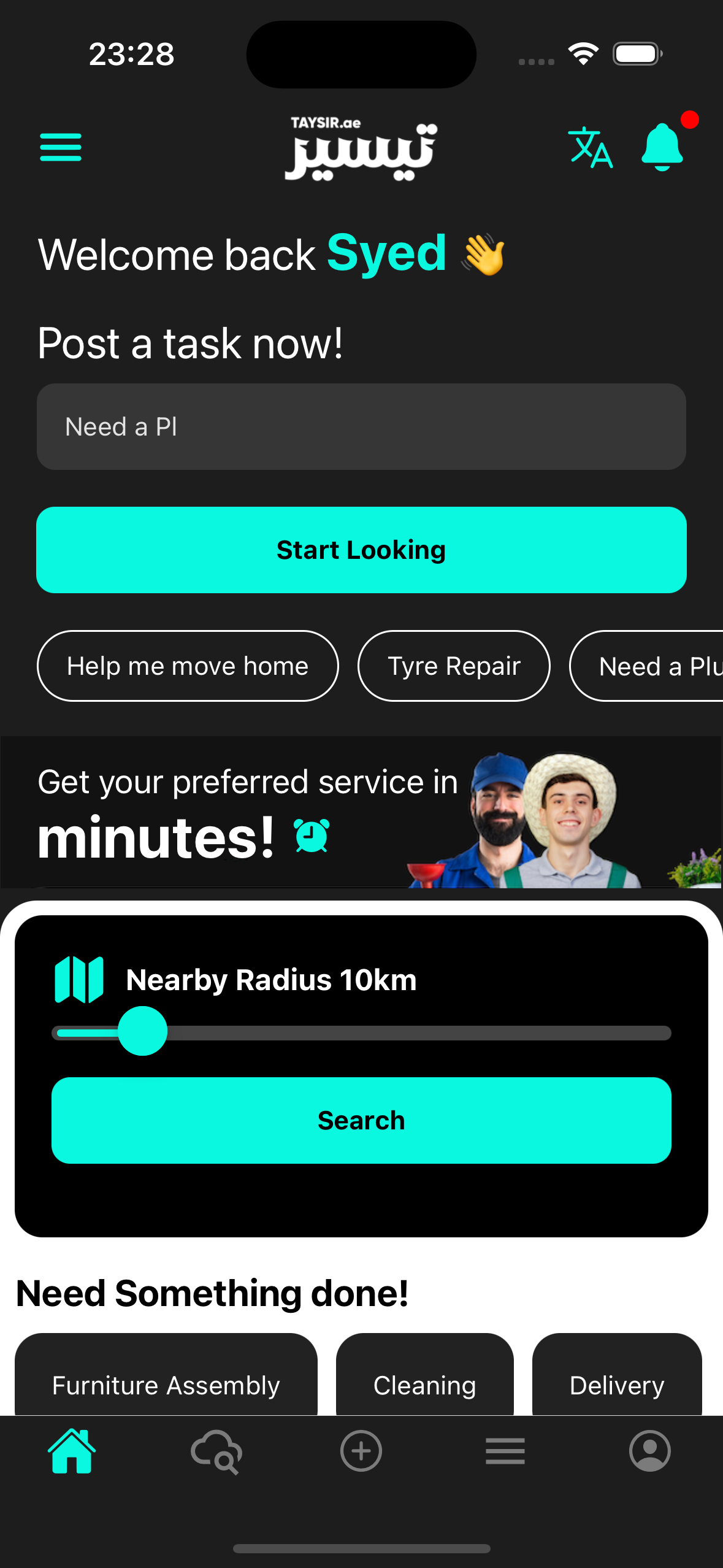
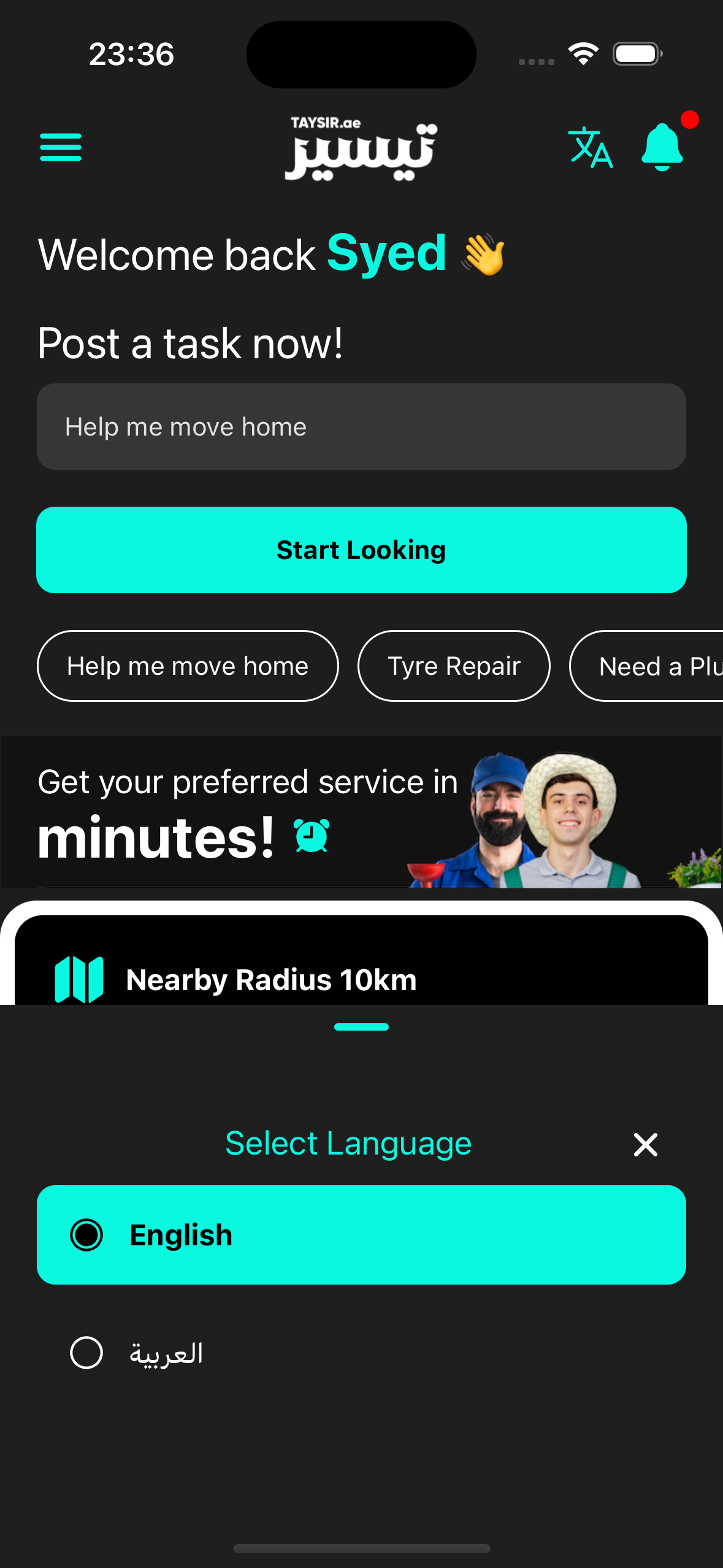
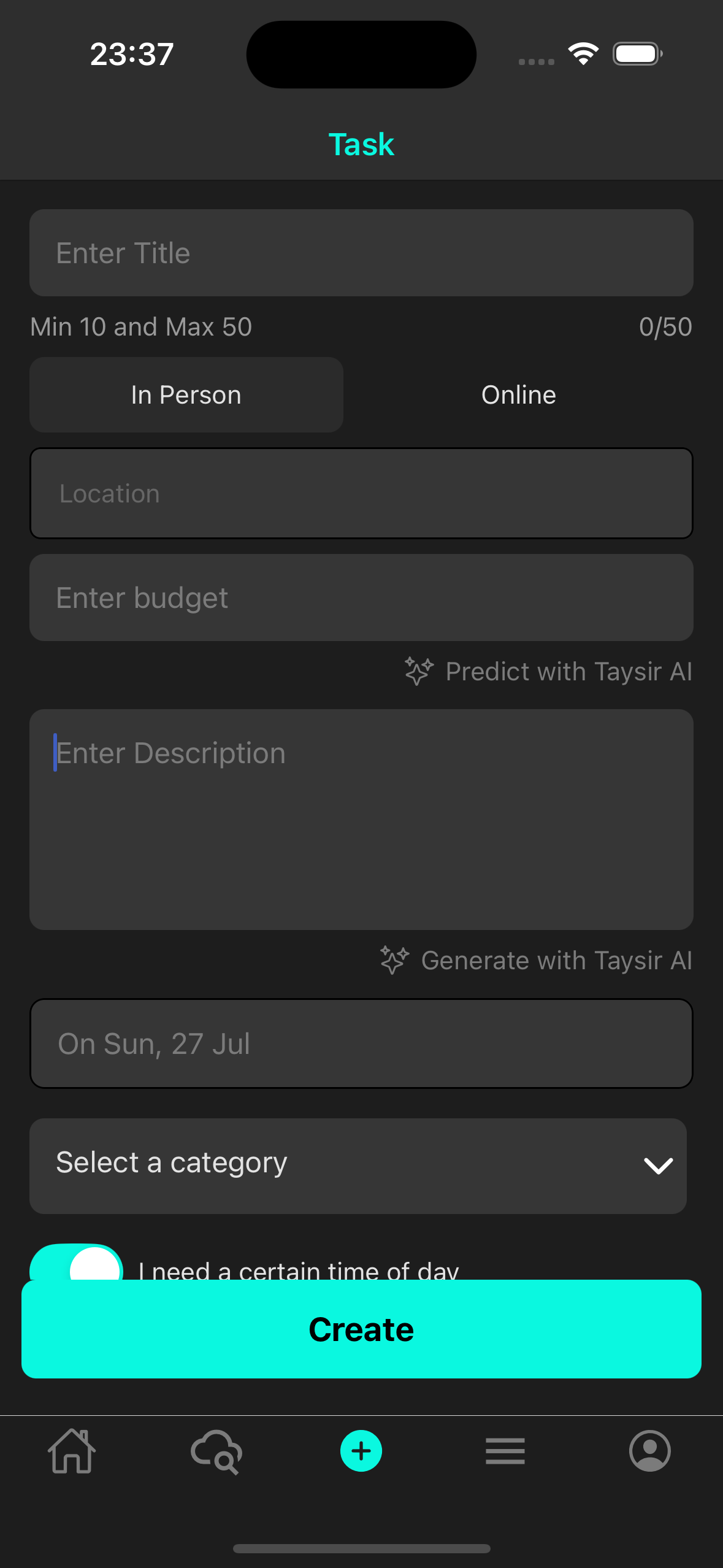
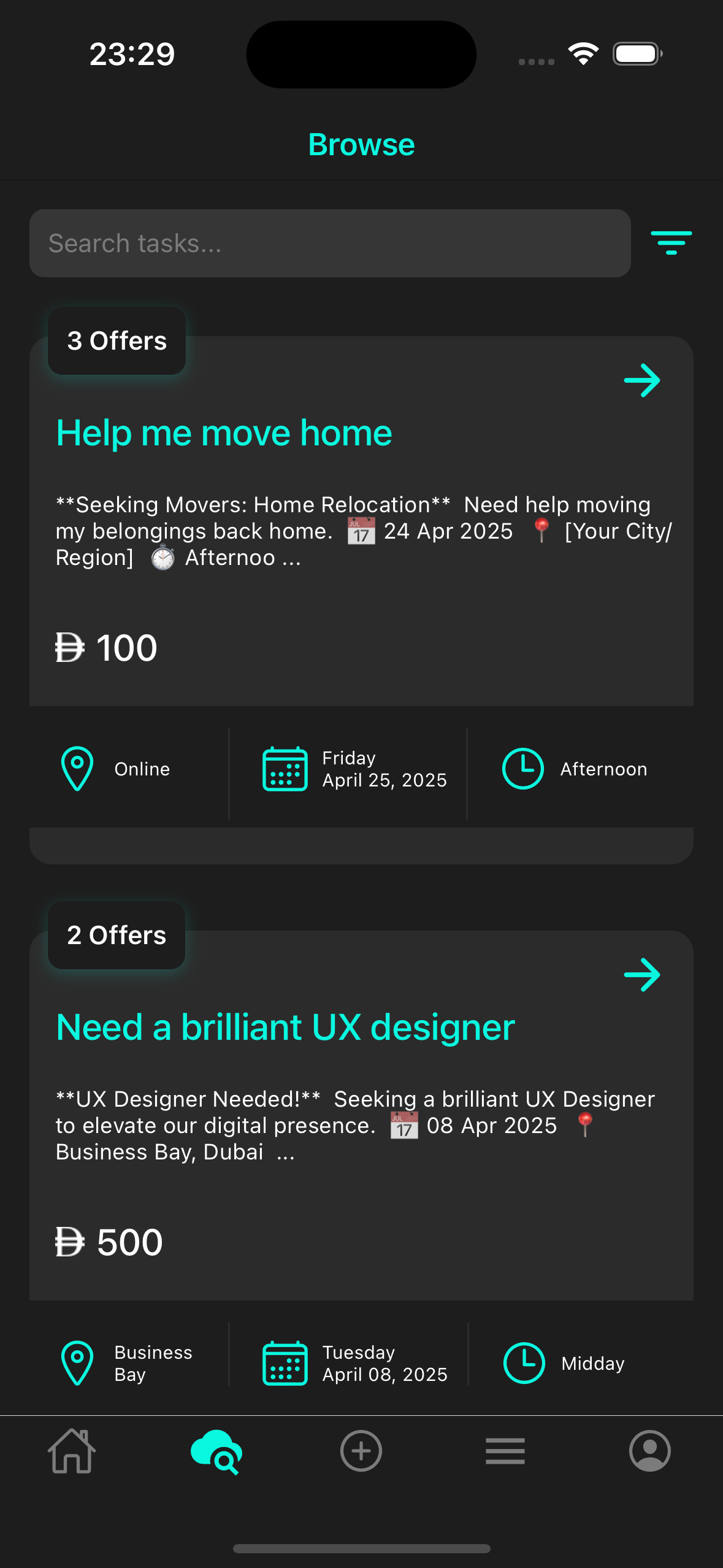
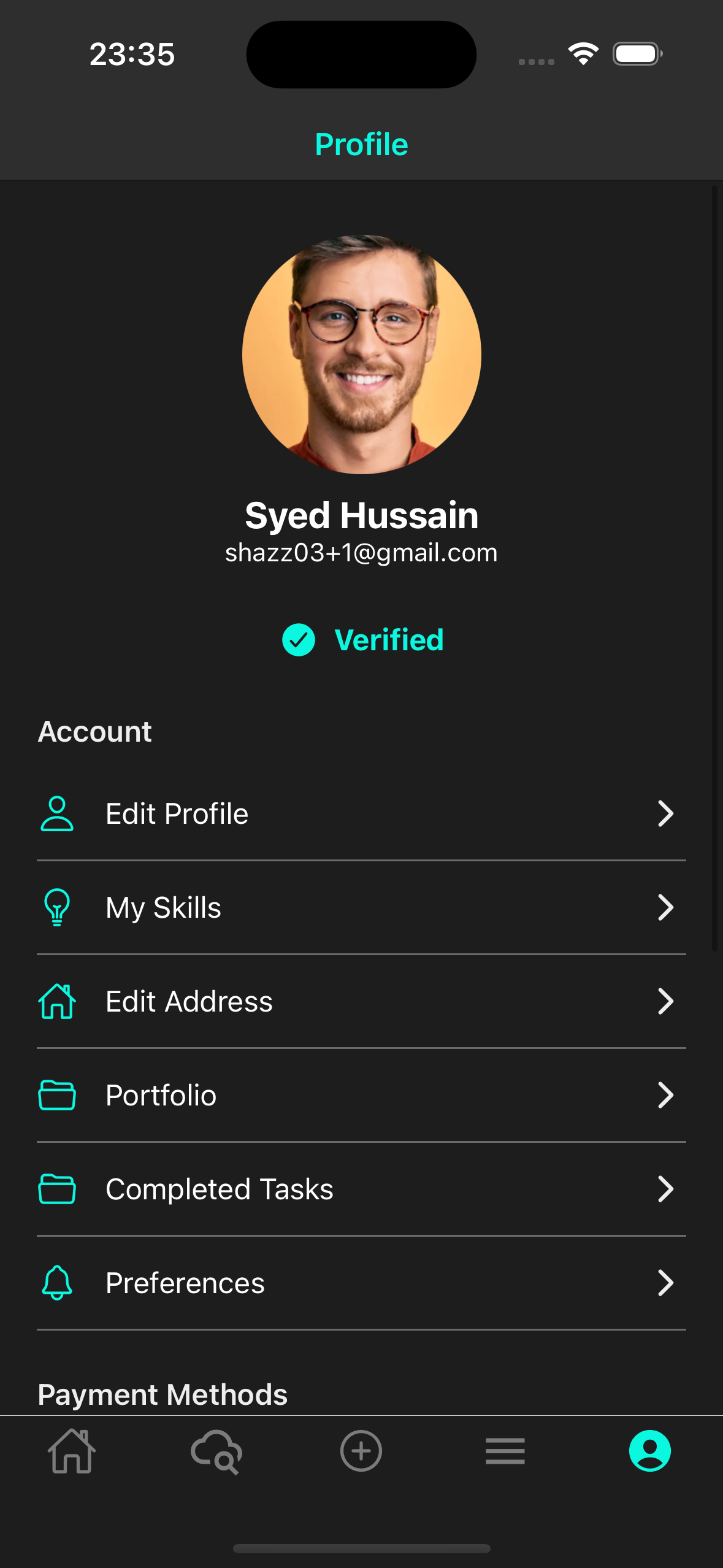
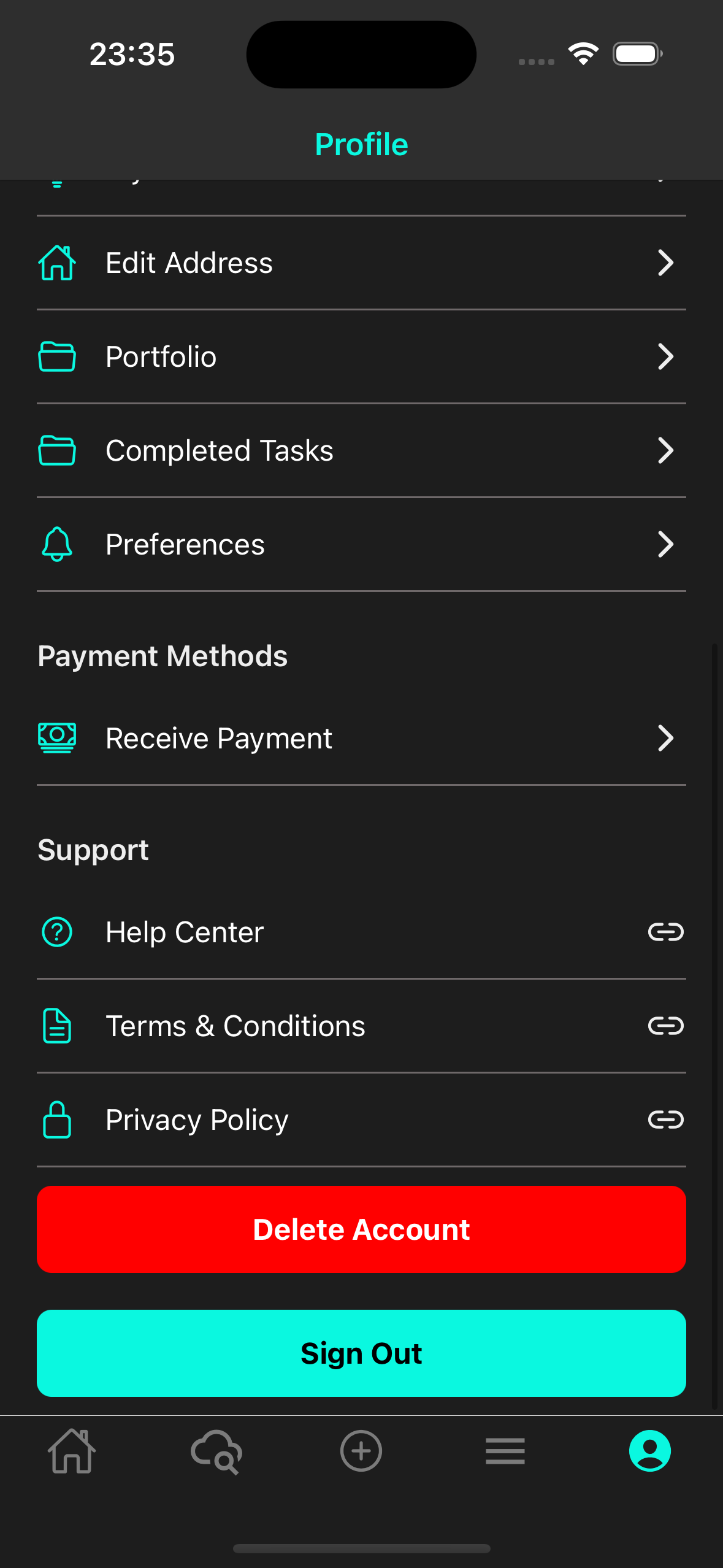
Step-by-Step Guide
As a Customer
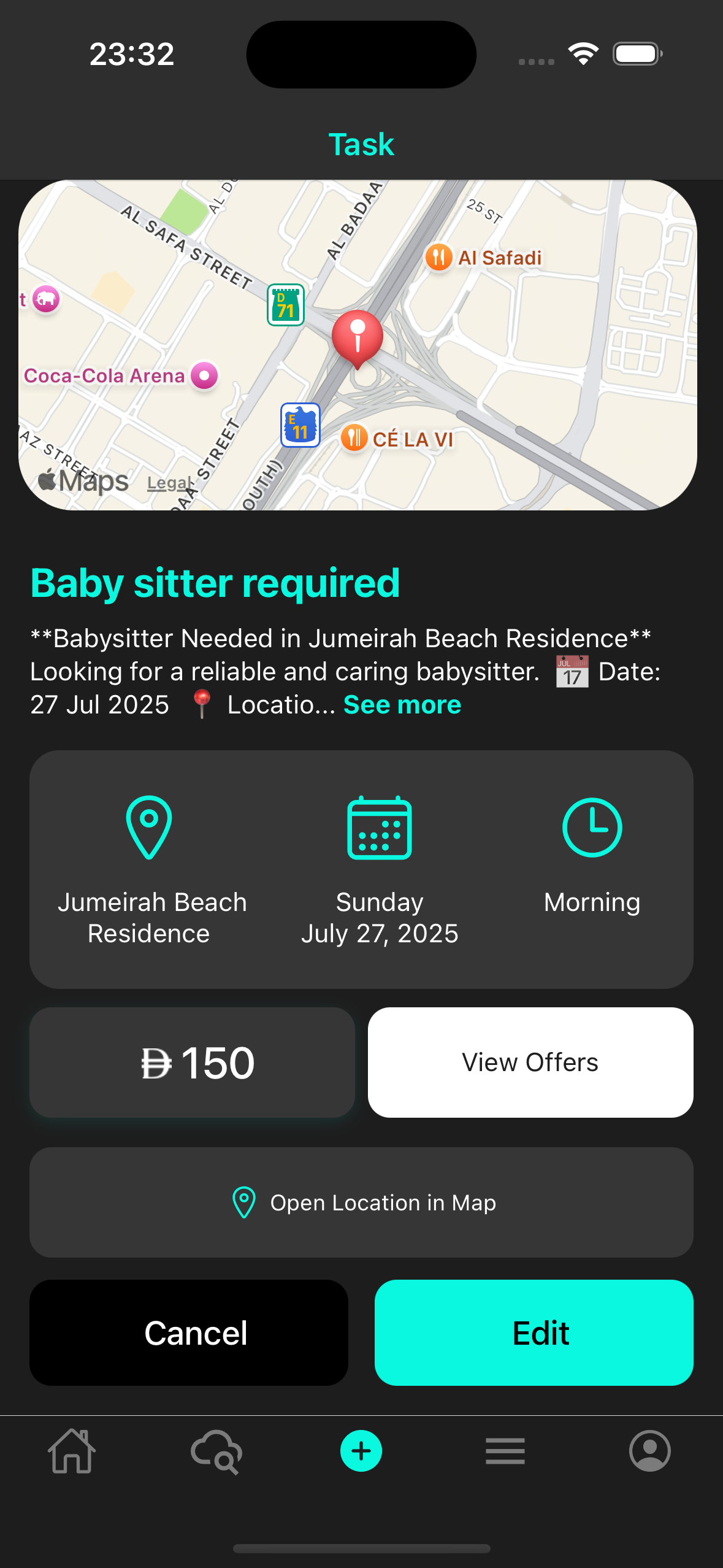
- Secure login using your phone number and OTP.
- Home screen → tap +.
- Enter task details (Title, Description, Location, Budget, Images, Time Slot).
- Tap Create.
- Manage the task from Task Detail:
- Ask Taysir AI
- Update Task
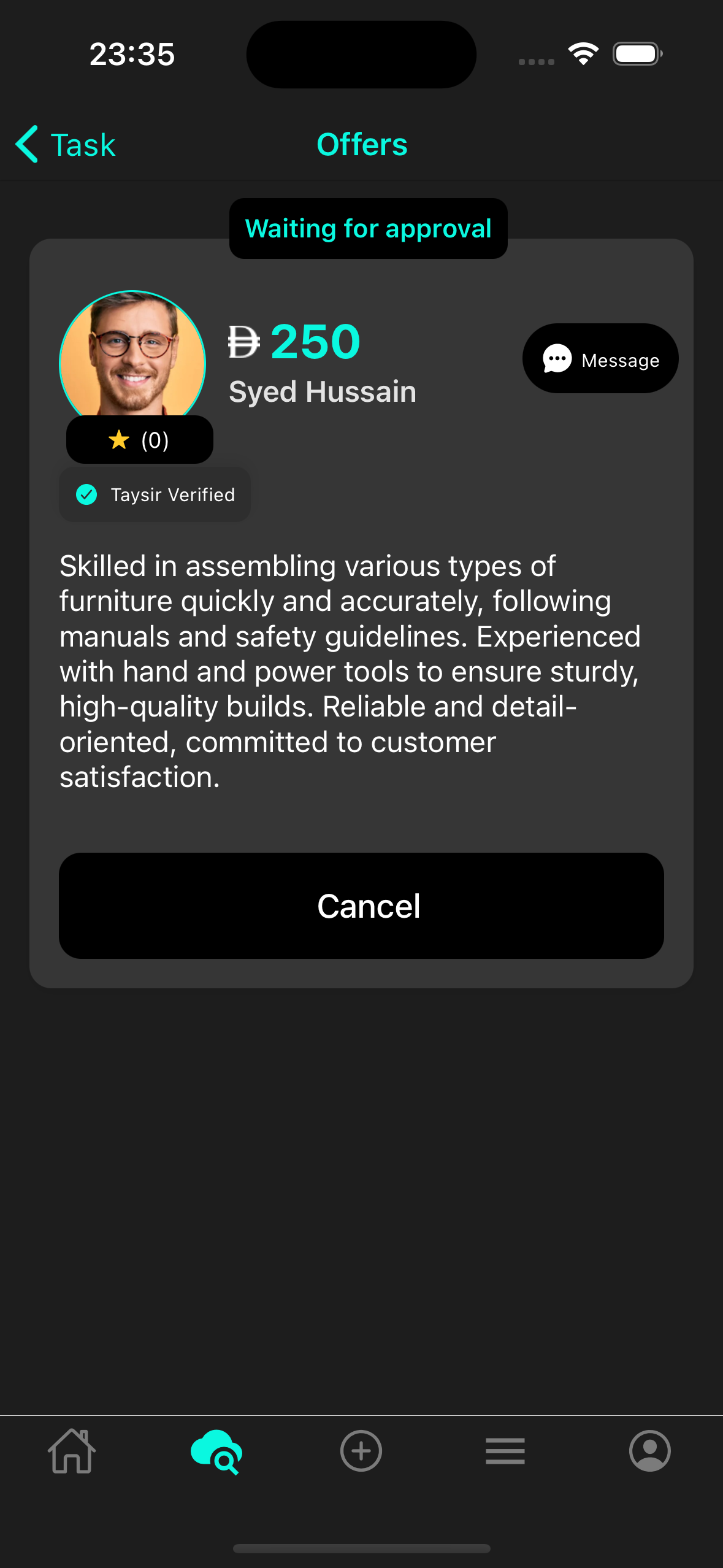
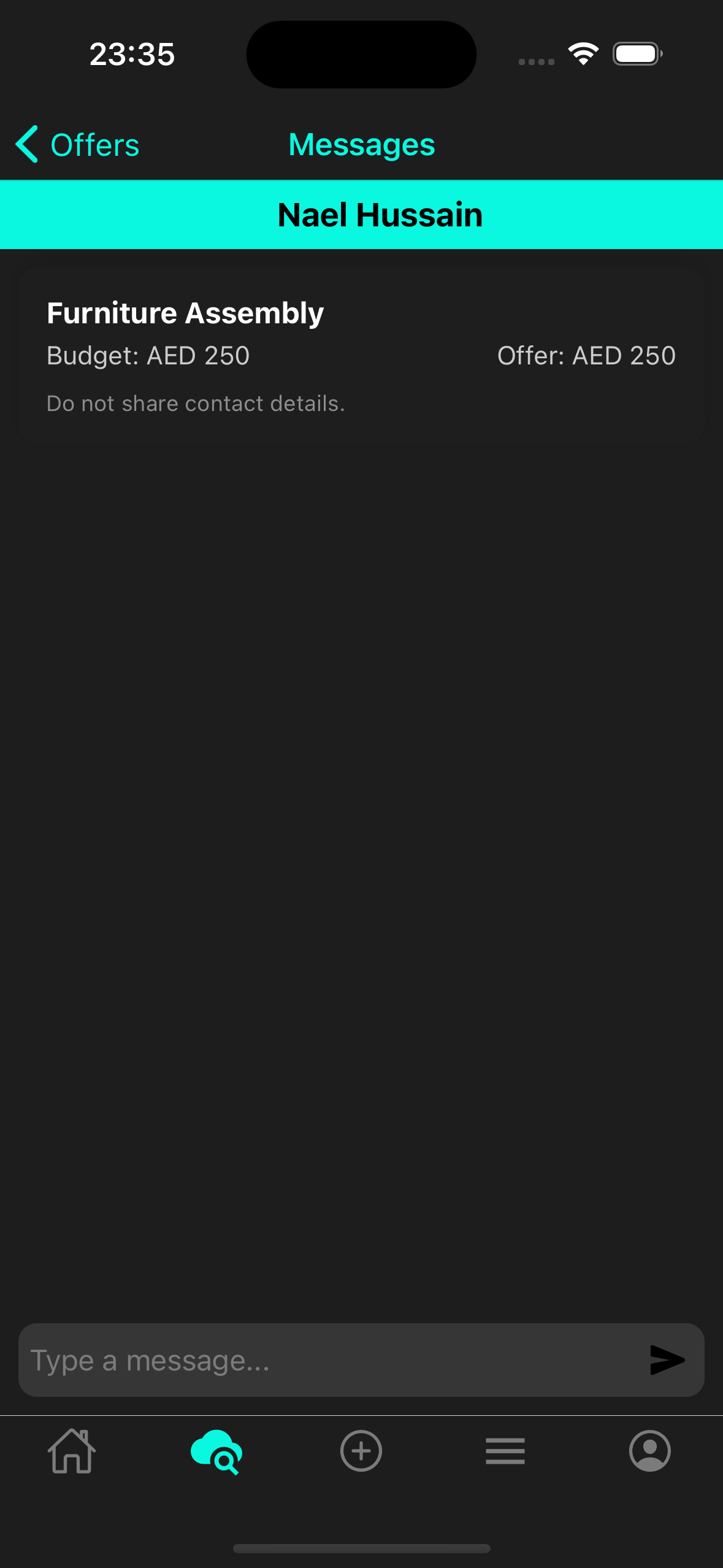
- Review Offers / Counter
- Accept Offer & Payment
- Ignore Offer to reject
As a Tasker
- Login with phone and OTP.
- Complete Tasker Onboarding.
- Browse available tasks.
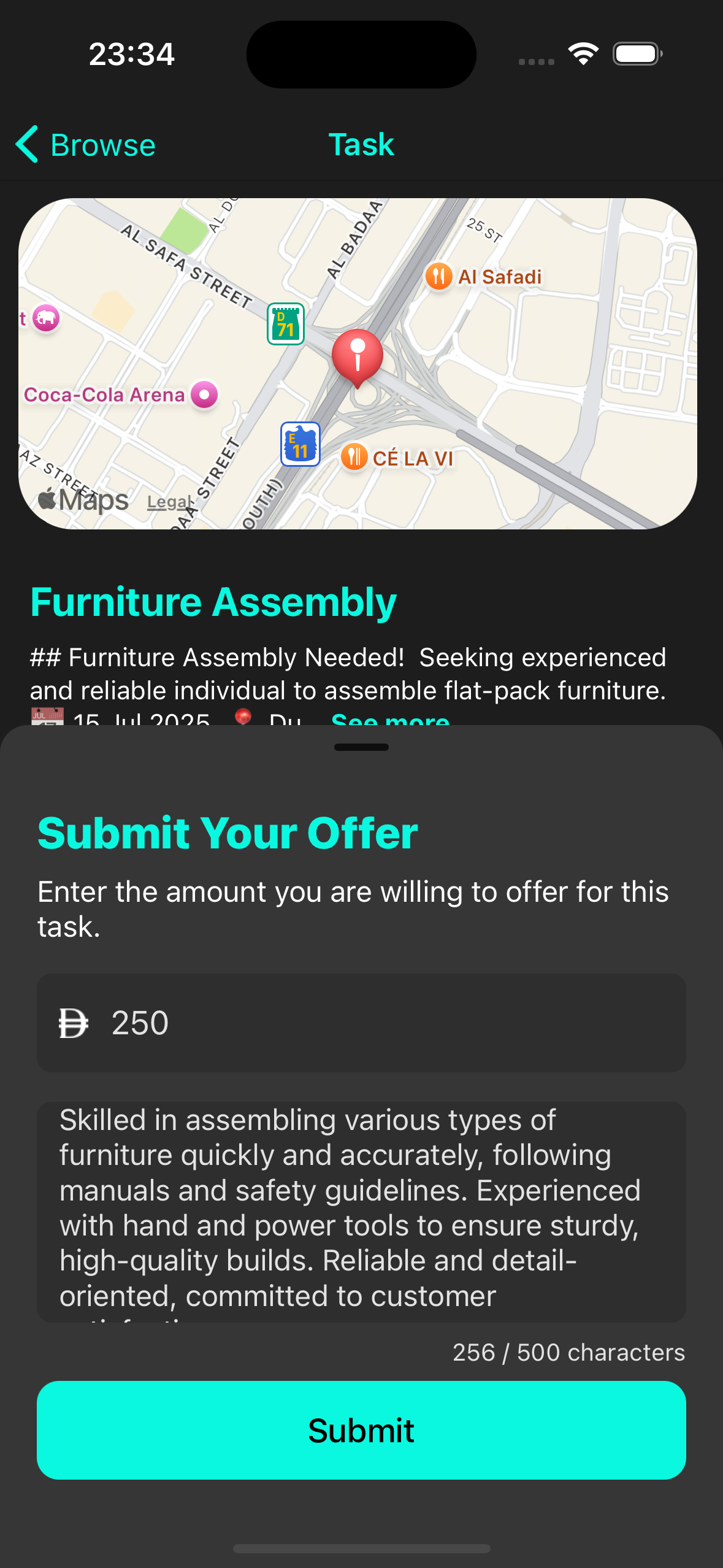
- Open Task Detail and submit offer.
- When accepted: Start Work → Complete → Upload proof → Wait approval → Payment processes.
شروع کرنے کے لیے تیار ہیں؟
آج ہی تیسیر ایپ ڈاؤن لوڈ کریں اور ہمارے AI سے چلنے والے پلیٹ فارم کے ذریعے جڑنے والے ہزاروں صارفین میں شامل ہوں۔


App Store اور Google Play پر دستیاب